1.1. Go to https://seoguard.co/auth/login/
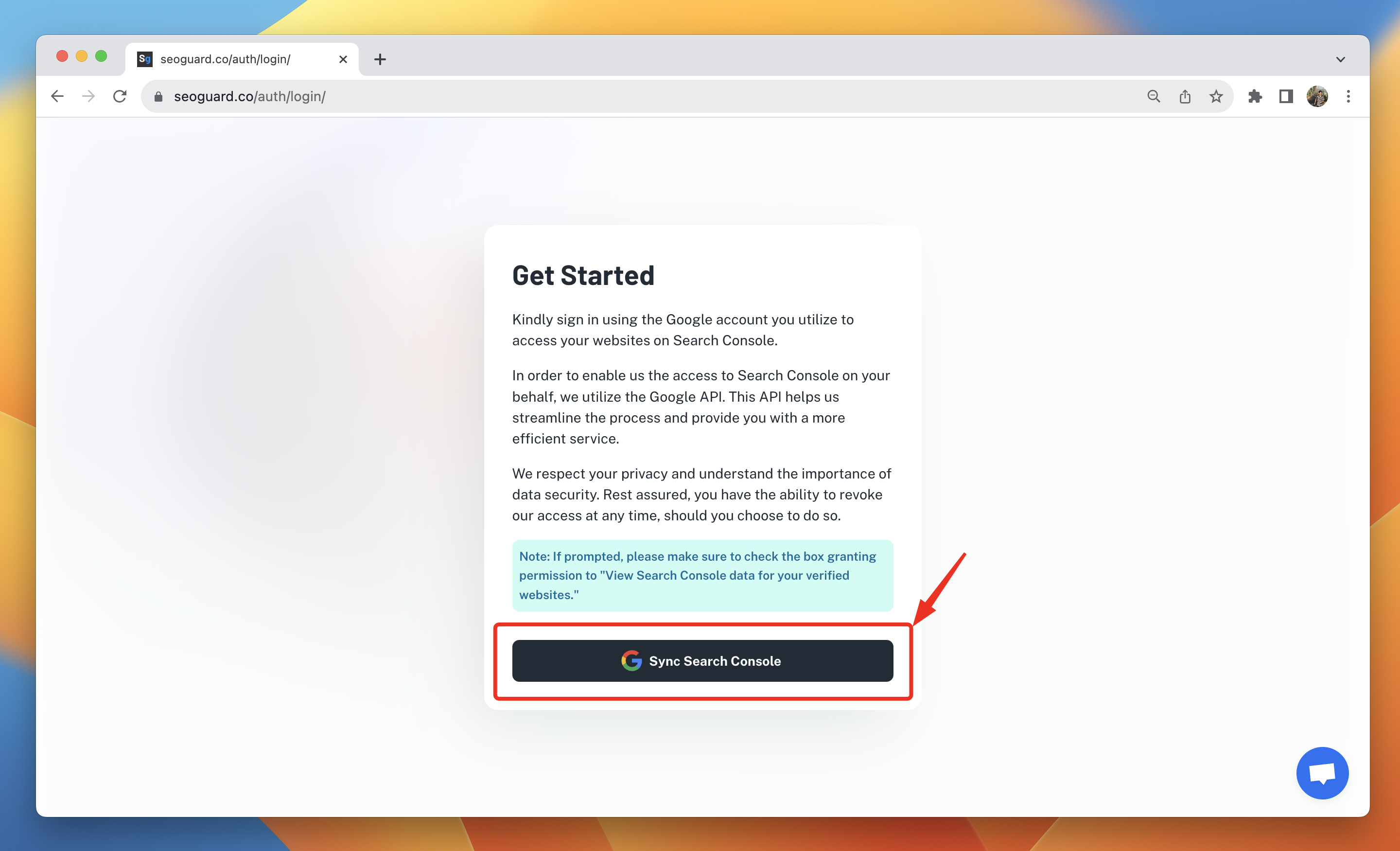
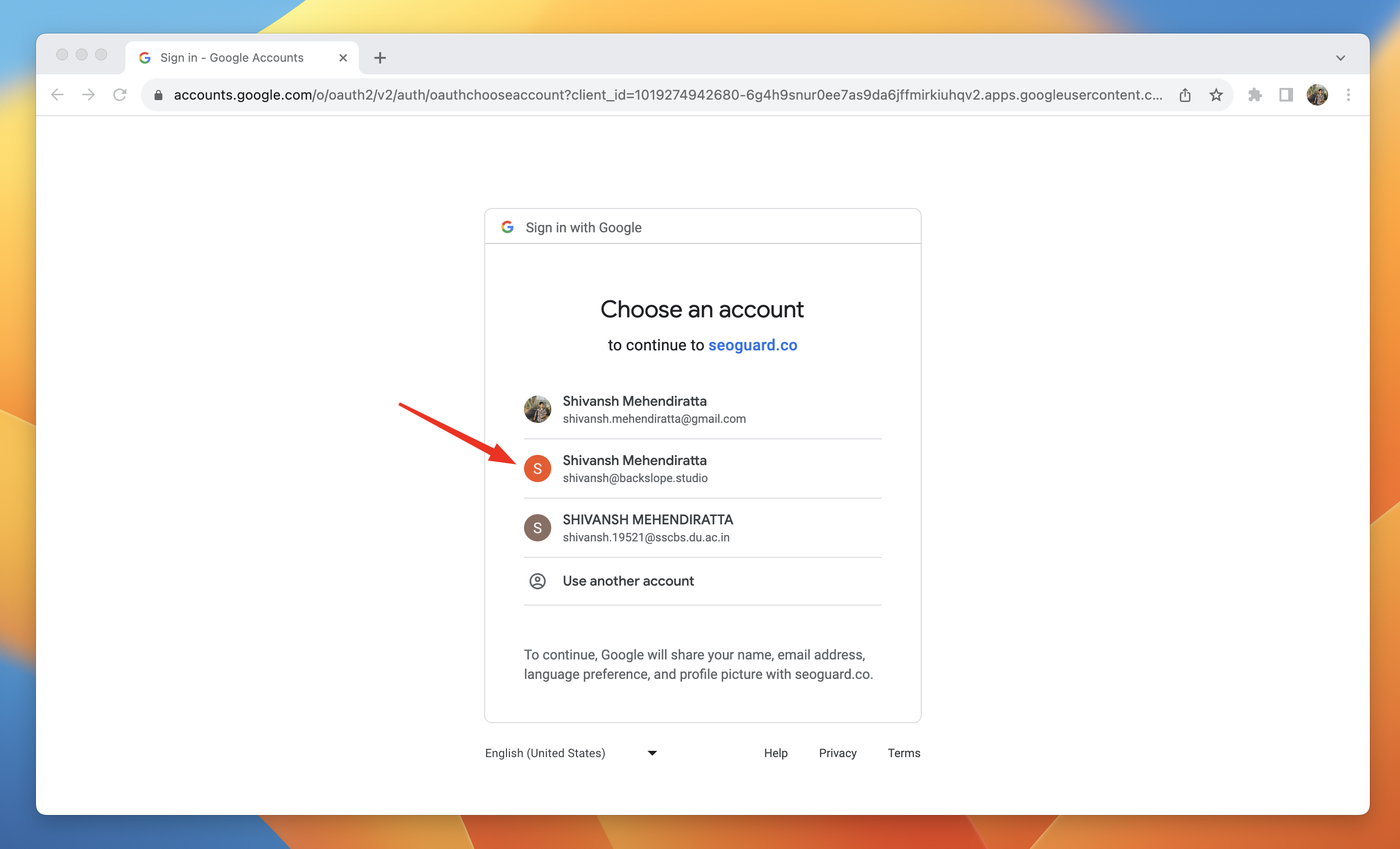
1.2. Select the Google account that contains all the required sites you intend to submit for indexing.
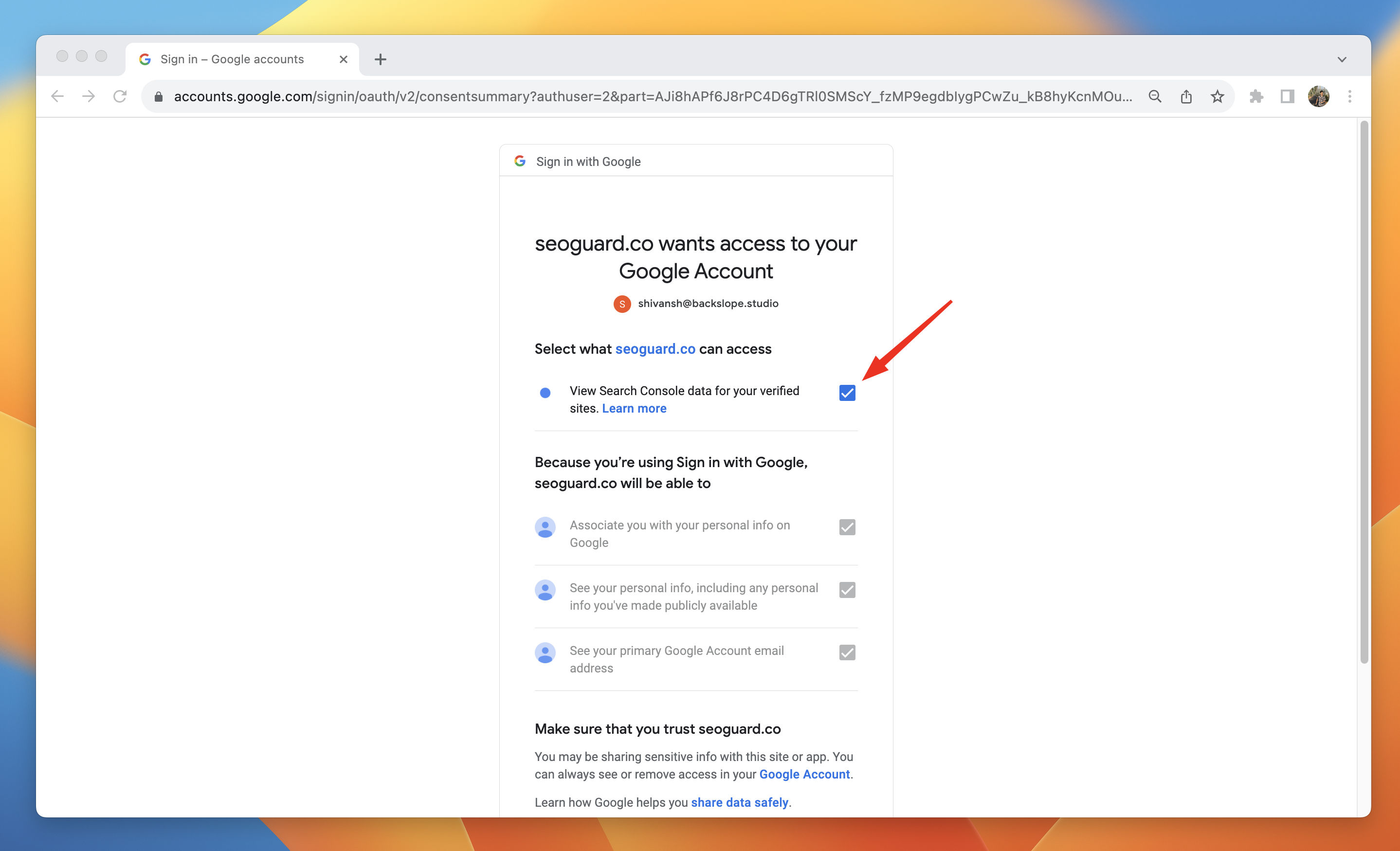
⚠️ Make sure to grant SEOguard permission to view the Search Console data for your sites. This is necessary to fetch the indexing status of your sites and submit them for indexing.
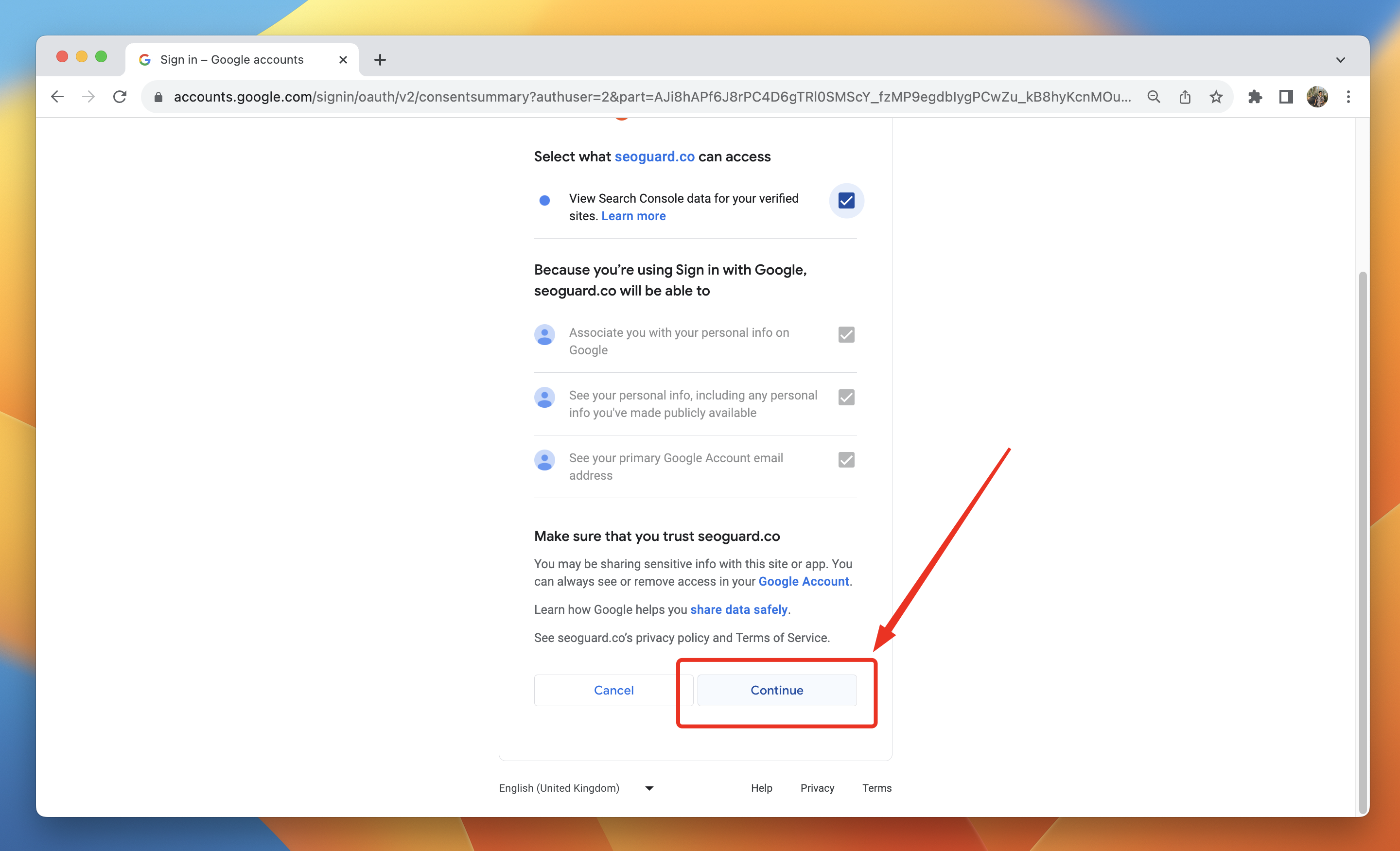
Click Continue
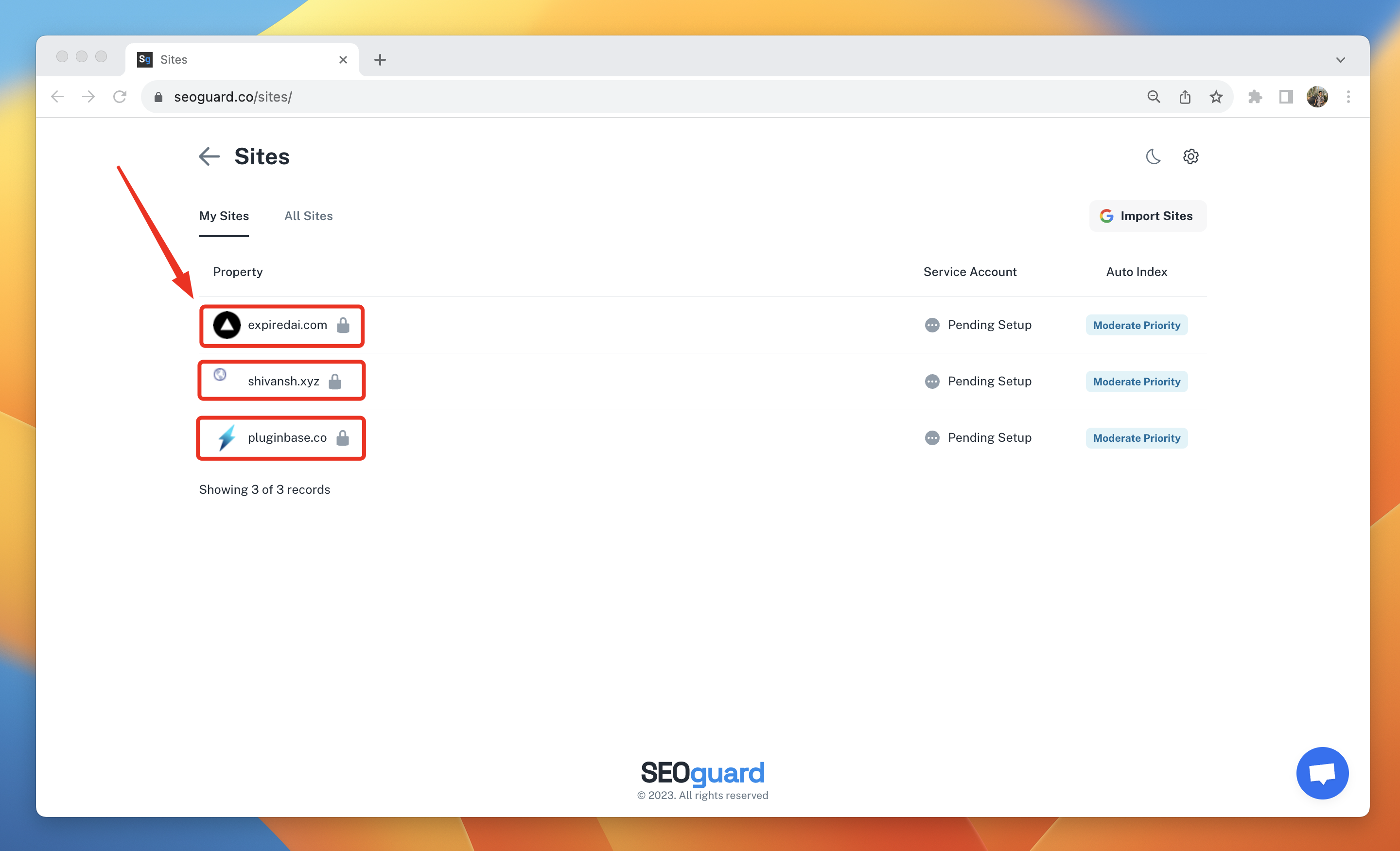
After successfully creating an account, you will be able to view all the sites that you own on the https://seoguard.co/sites/ page.
Was this article helpful?
That’s Great!
Thank you for your feedback
Sorry! We couldn't be helpful
Thank you for your feedback
Feedback sent
We appreciate your effort and will try to fix the article